Petly
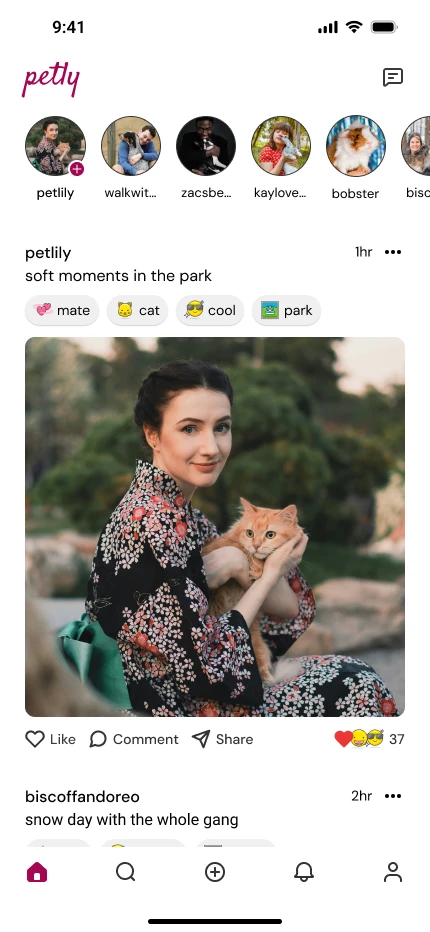
Petly is a pet-focused social app concept designed to create a calm, joyful space for pet owners. The project explores emotional tagging, lightweight interactions, and friendly visual systems that keep discovery simple and pet-centered.
- Role: Product Designer (UI/UX)
- Duration: 1 month
- Objective: Design a calm alternative to noisy, people-centered social platforms
- Result: A high-fidelity, emotionally expressive social app prototype

What is the problem?
Pet owners love sharing their pets online, but most platforms are noisy and people-focused. There is no easy way to express pet moods, discover content by vibe, or enjoy a drama-free feed. Petly addresses this by creating a calm, pet-only space where every interaction centers on animals.
What is the goal?
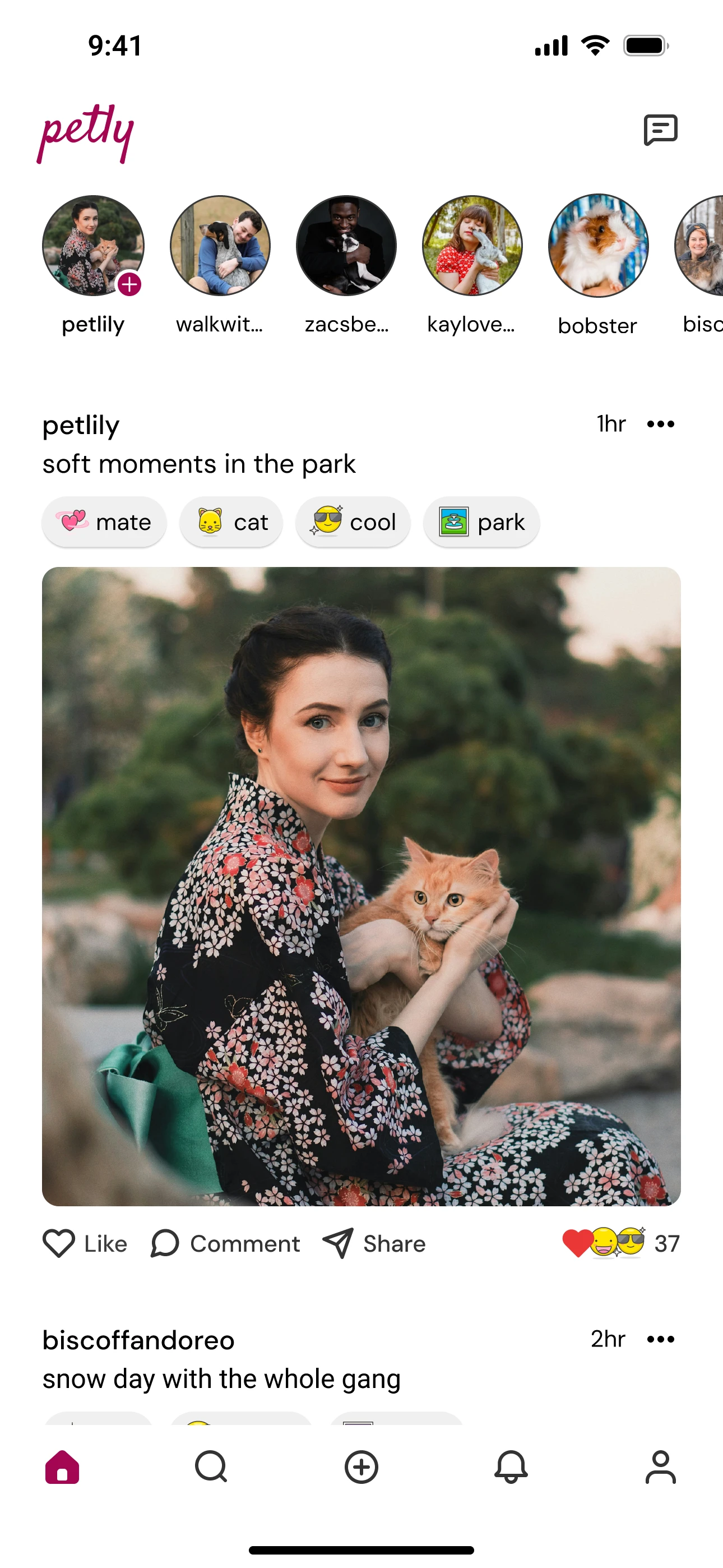
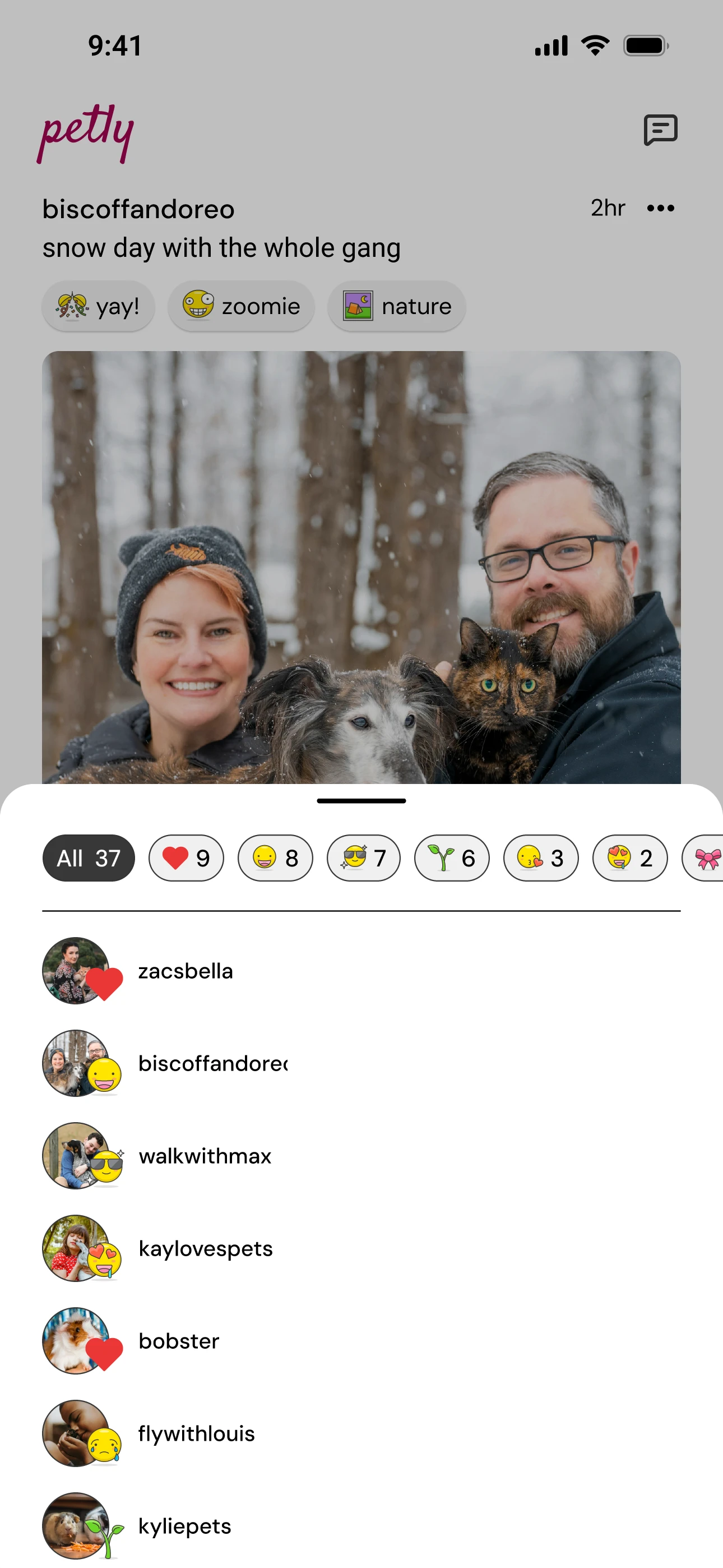
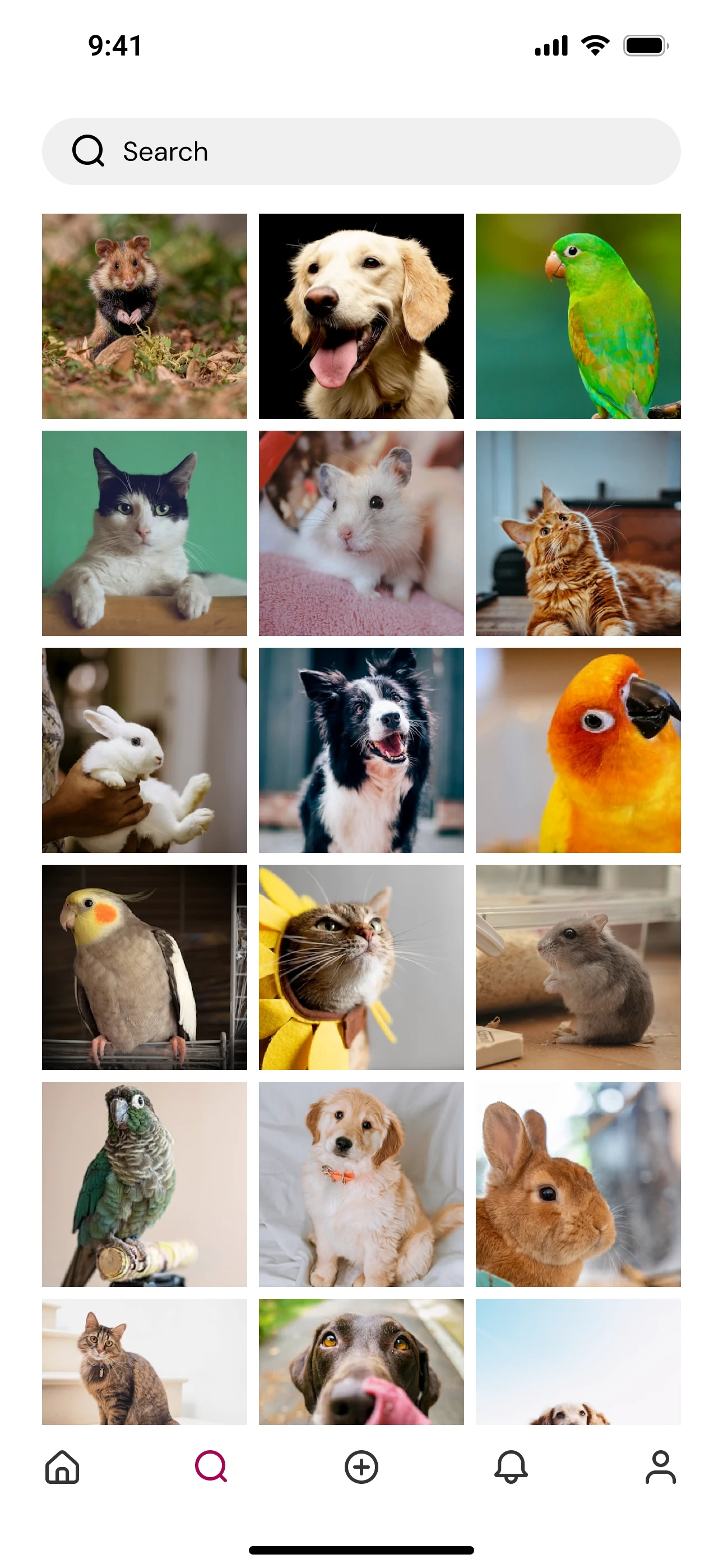
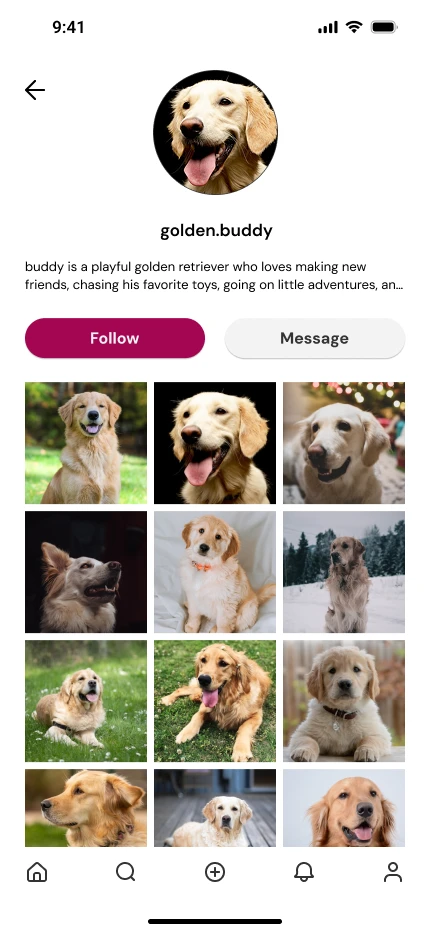
Petly is a lightweight social app built around emotional tagging and calm discovery. Users can post with mood, location, and reason tags, explore vibe-based feeds, and browse pet profiles in an experience designed to feel joyful, relaxed, and entirely pet-centered.
Research Insights
I reviewed platforms like Instagram and Reddit and conducted 10 user interviews to understand gaps in pet-focused sharing. Existing platforms felt cluttered or lacked emotional context, while users consistently asked for a calmer, pet-only space with mood-based tagging and discovery by vibe.
Jay — The Dog Dad
Jay, 34, shares outdoor adventures with his Golden Retriever and enjoys connecting with other dog owners, but avoids noisy, drama-heavy platforms in favor of genuine, community-driven spaces.
- Motivations: Connect with big-dog lovers
- Barriers: Impersonal interactions
Nina — The Cat Mom
Nina, 28, enjoys sharing aesthetic, mood-driven moments of her cat and prefers intimate, pet-focused environments over cluttered, off-topic social feeds.
- Motivations: Pet-focused feed
- Barriers: Off-topic content
Design Process
The design focused on creating a calm, emotionally expressive experience by simplifying interactions, prioritizing mood-based sharing, and using iterative sketches and low-fidelity flows to avoid overwhelming users.
Visual Evolution
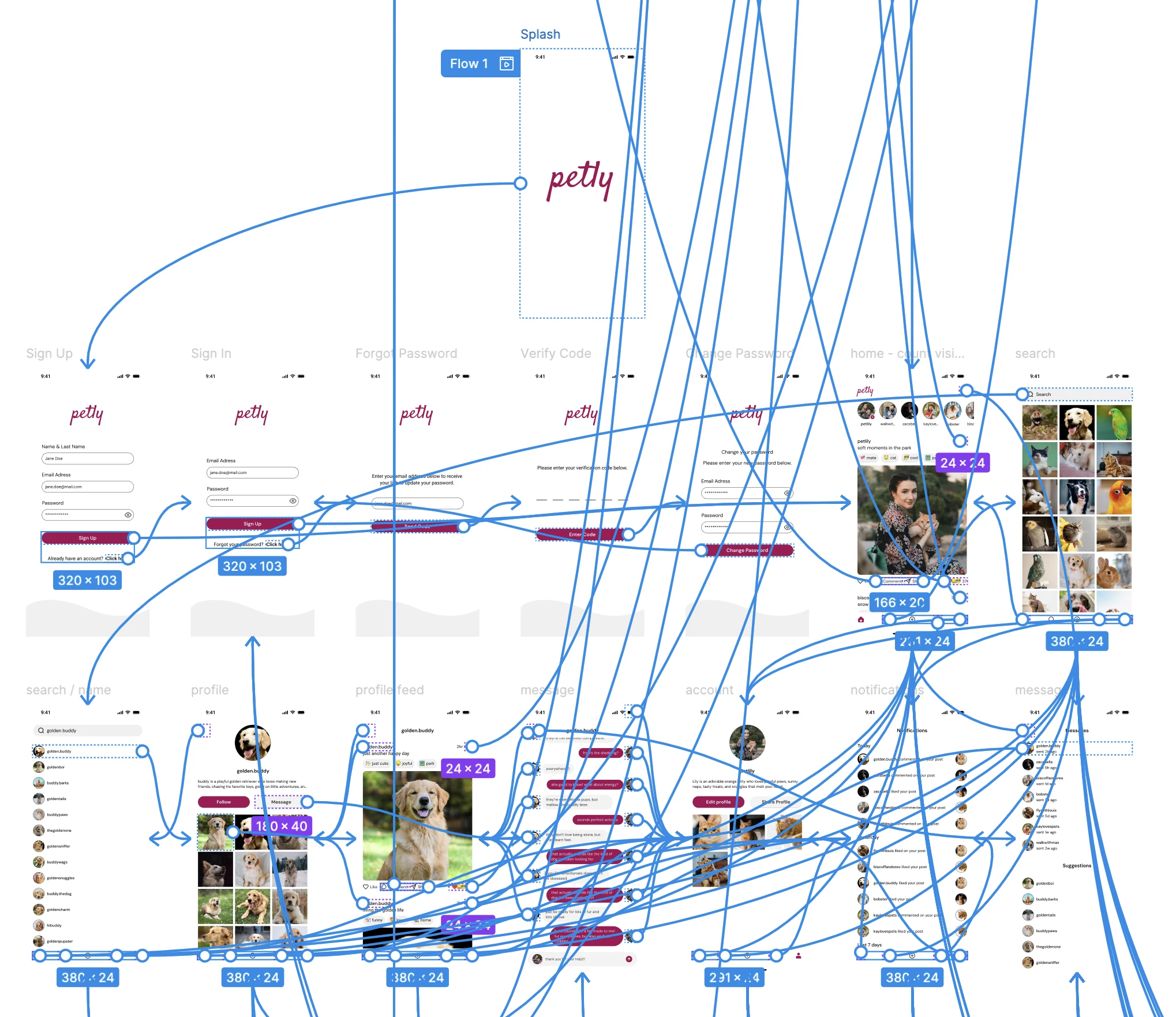
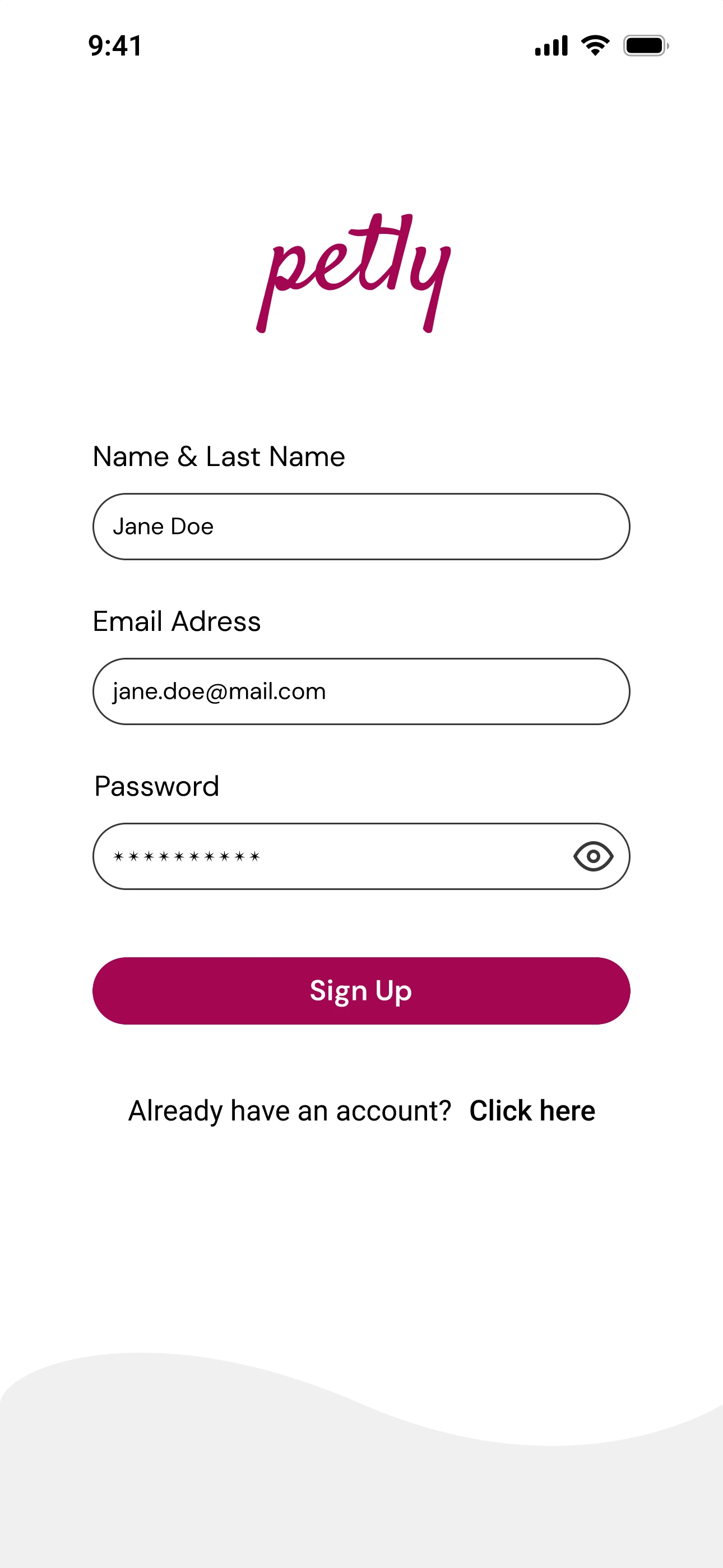
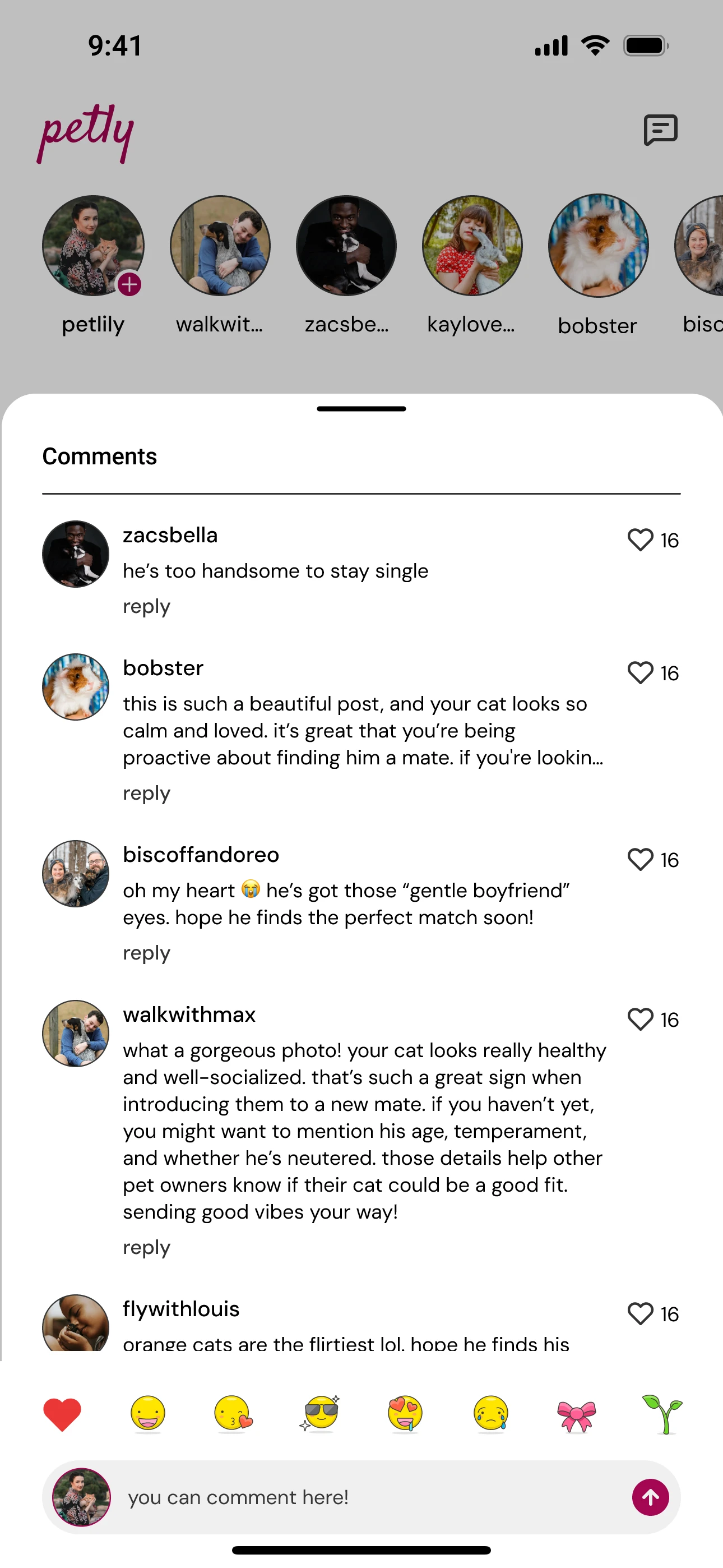
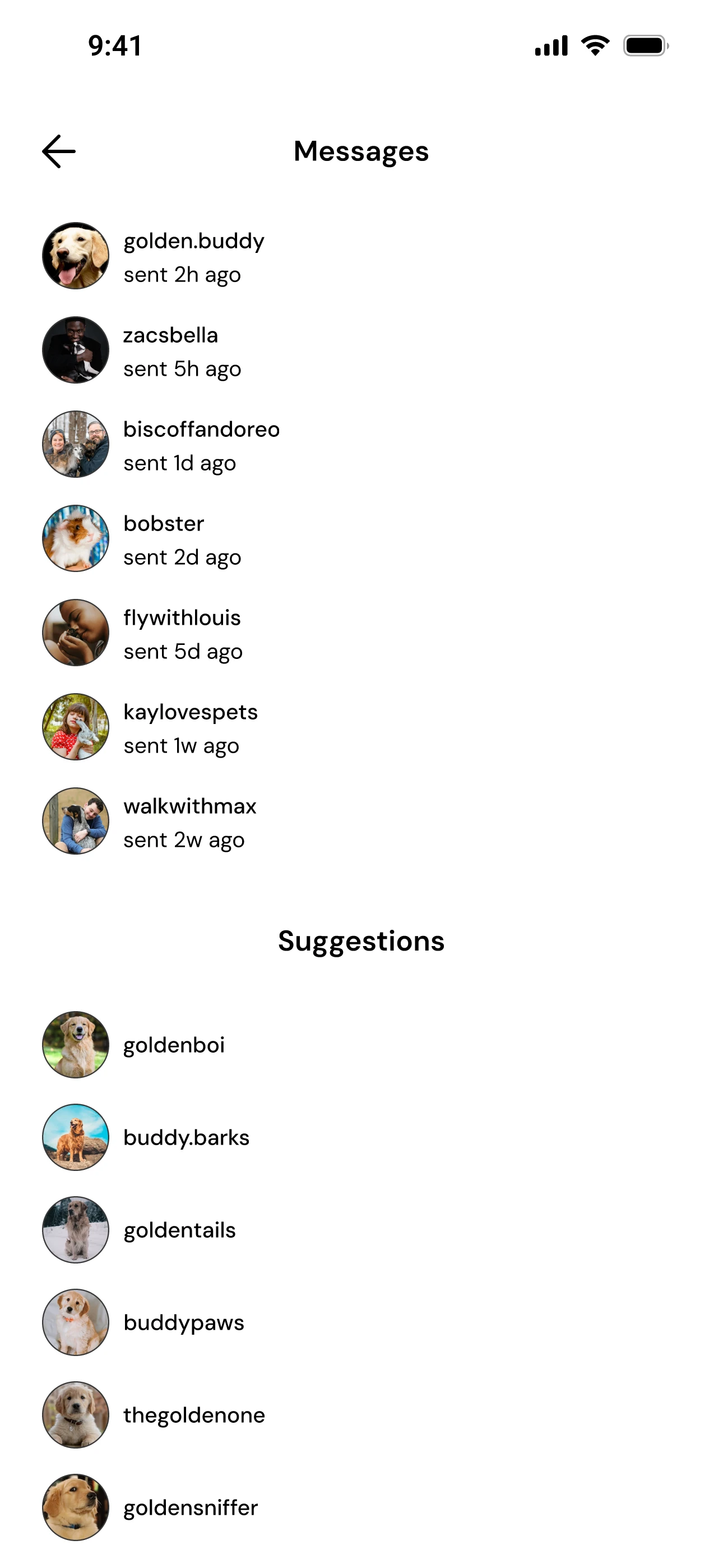
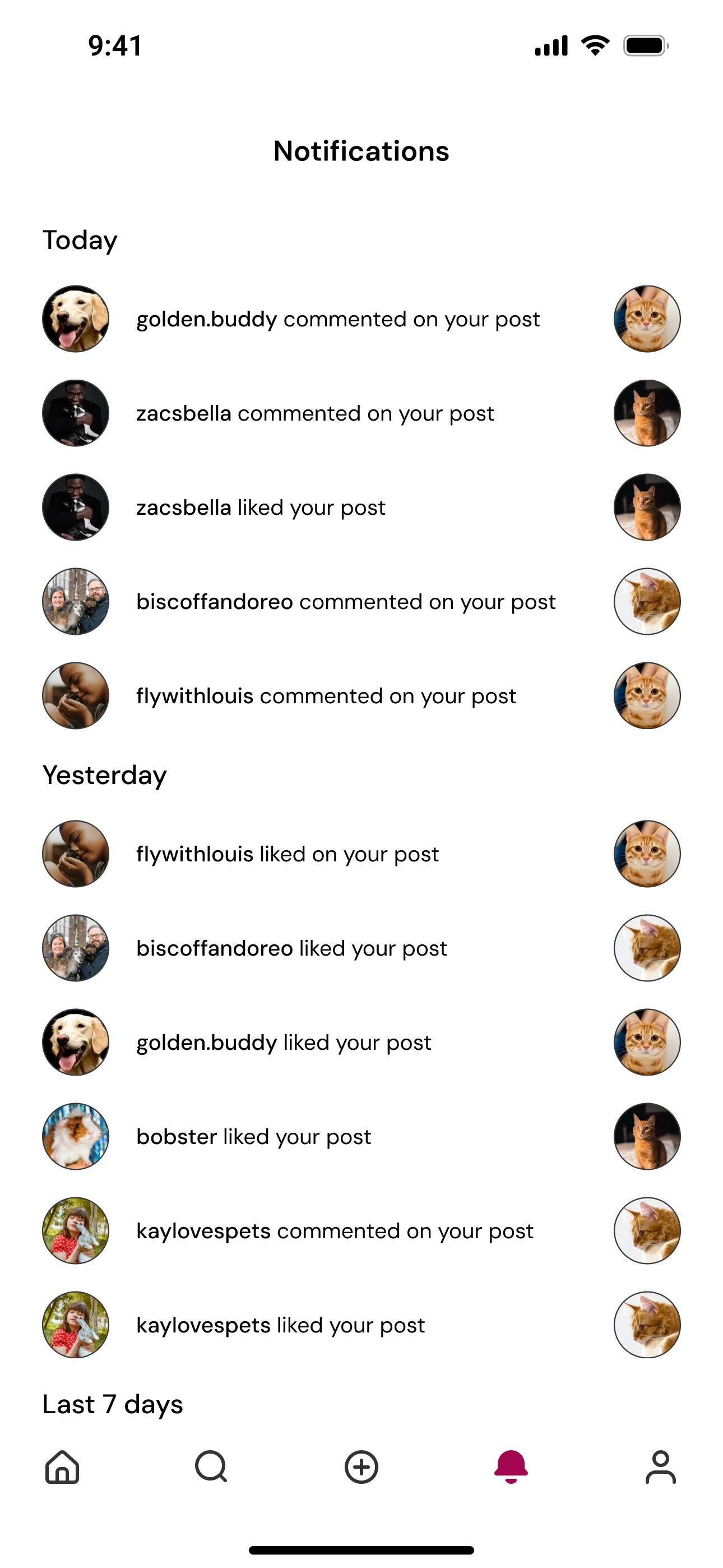
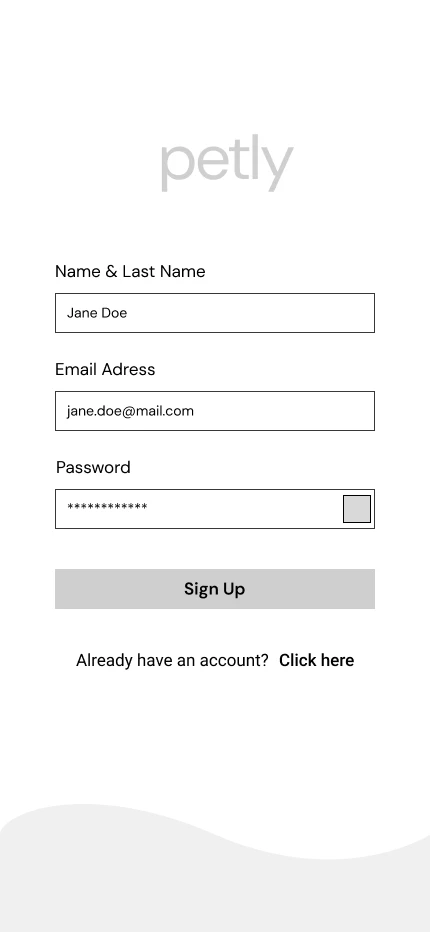
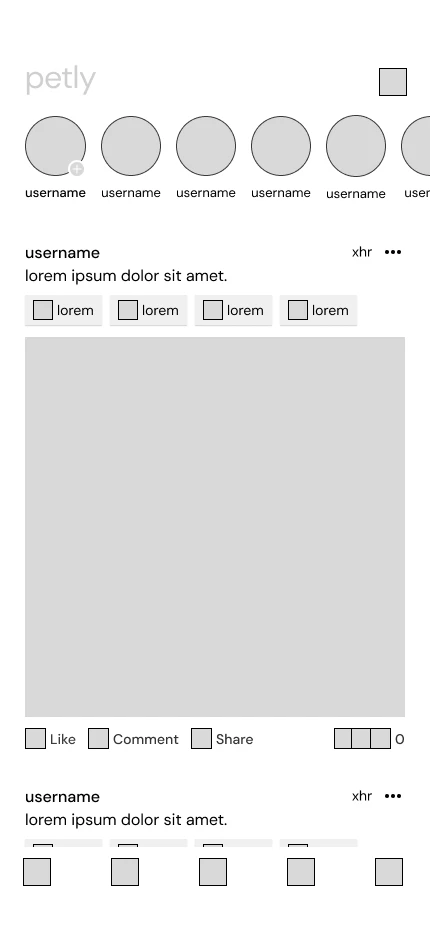
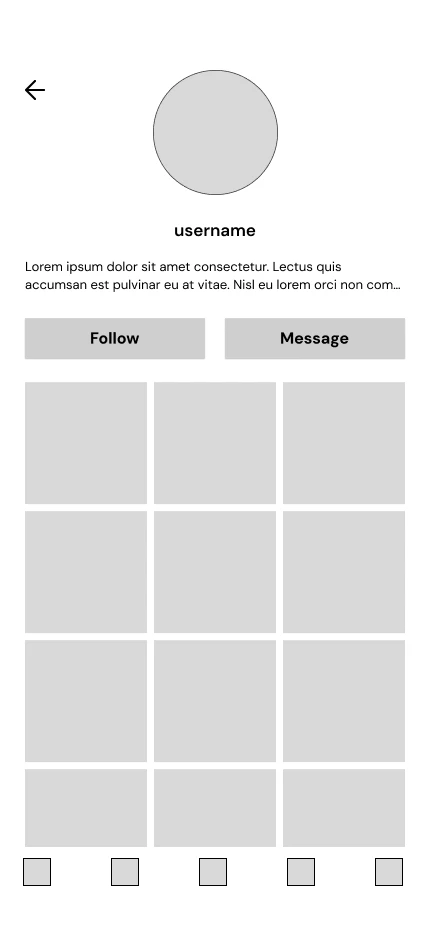
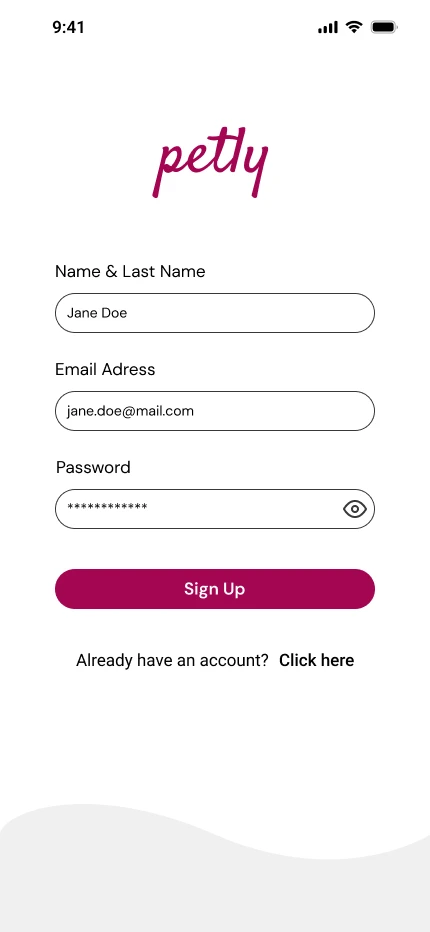
I began with low-fidelity wireframes to establish structure and flow, then moved into high-fidelity designs using a soft, friendly visual system inspired by pet moods. The final screens balance clarity and warmth across key flows such as Home, Posting, Search, Profiles, Messages, and Notifications.
Interactive Prototype
I connected all key screens in Figma to create a clickable prototype that tested the full user journey, helping refine navigation, transitions, and micro-interactions while validating the overall flow of the app.